Welcome to the SeqDA-HLA Tutorial !
SeqDA-HLA is a model for predicting the binding of peptides to HLA class I proteins. This tutorial will guide you through the steps necessary to use the peptide-HLA binding affinity prediction tool.
Step 1: Inputting Your Data
Enter the peptide sequences in the designated input field. Make sure the sequences are formatted correctly, following the examples provided on the Binding Affinity Prediction page.
Please ensure each peptide sequence is on a new line.
Example:
    RTPAAVEKR
    GPGLYDPTT
    AQIVQKGGQ
Step 2: Selecting HLA Types
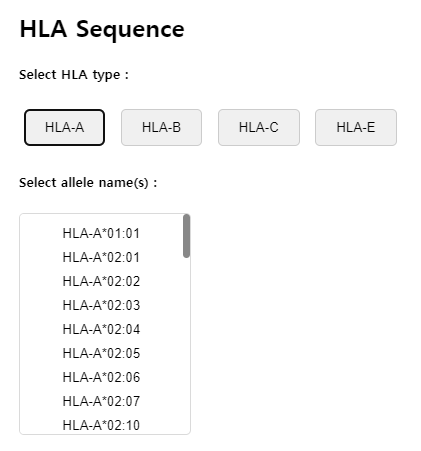
Select the HLA types that correspond to your study. You can select multiple HLA types to see how different types bind to the same peptide. You can select up to 20 HLA types.
Step 3: Submitting and Interpreting Results
Click 'Submit' button to start the prediction. Once you submit your data, the results will be displayed on a new page. The results will include a list of binding affinities, helping you to understand the potential effectiveness of the peptide in triggering an immune response.
Go back to the Binding Affinity Prediction pages